WIFI Door Locks
Wi-Fi Door Locks: Connectivity, Access and Installation
Which Connection Fits Your Door and Property?
Start with the Actual Lock and Network
Wi-Fi is one connection option for a smart lock, not a separate category that is always better. This guide discusses connected access for homes, rentals and businesses, including systems previously marketed under LockState. Confirm the exact product, software support and door requirements before planning an installation.
Call (720) 248-8087 to discuss the door and requested functions, or request a locksmith estimate.
Wi-Fi, Bluetooth and Hub-Based Connections
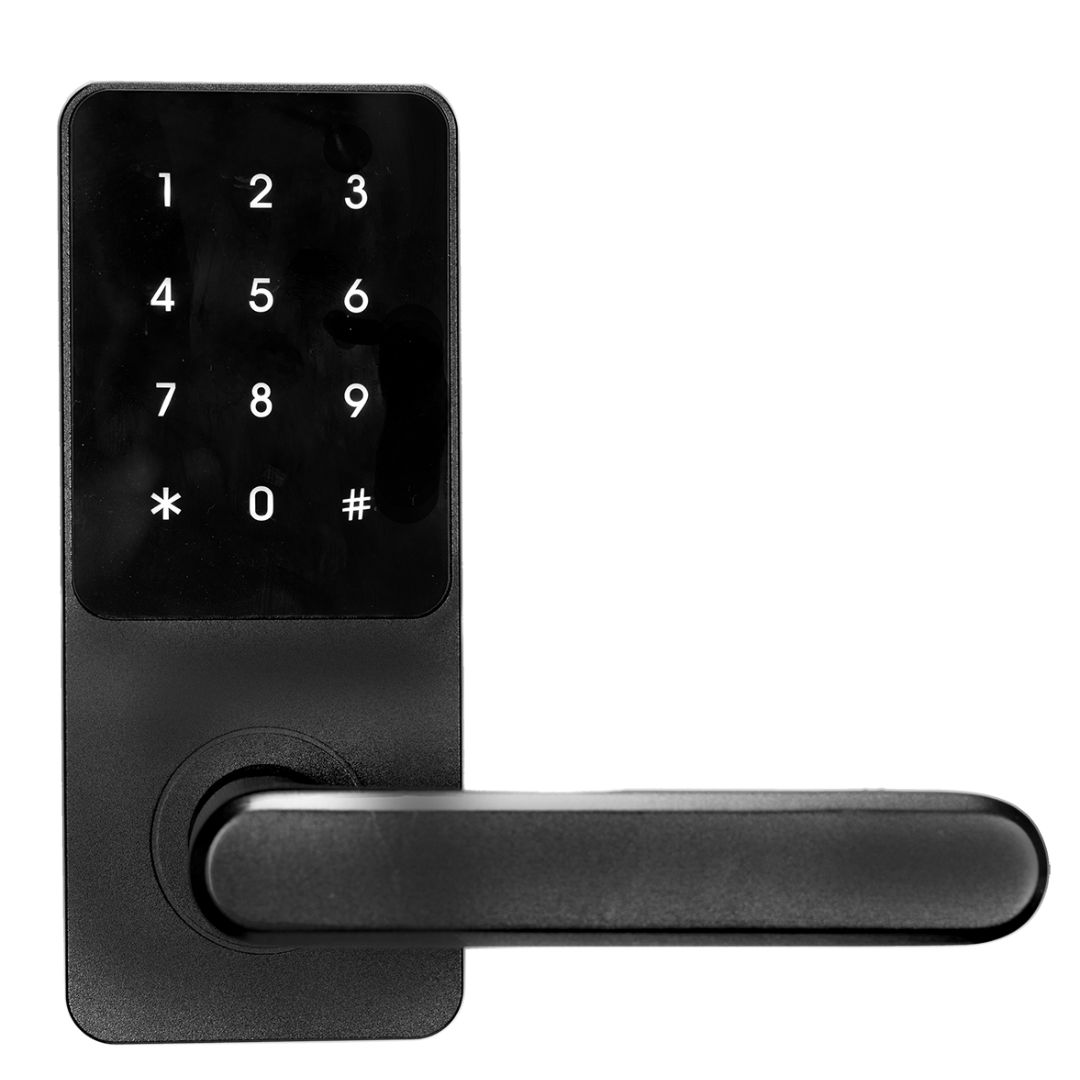
A Wi-Fi lock needs an appropriate signal at the door for connected functions. Other models use local Bluetooth or a hub-based connection such as Z-Wave. RemoteLock’s lock-selection guide explains these options. Check the particular hardware, network, app and account requirements instead of assuming every smart lock works the same way.
Remote Functions Depend on the System
Ask which functions the chosen model and platform actually support: remote locking, access-code changes, schedules and event reporting may differ. Confirm Internet requirements, update timing, subscription costs if any, and what remains available during an outage. Check the documented fallback method before relying on remote access.
Ideal for Rental Property Management
Unique codes can help manage tenant and guest access where supported. Plan how to remove former users, confirm the change reached the lock, and account for mechanical keys or other credentials that still work. Electronic code changes do not automatically rekey a backup cylinder or repair worn hardware.
Business Solutions
For a business, assess the opening, door traffic, access rules and existing system before selecting hardware. A battery smart lock is not a universal replacement for wired access control. Include door preparation, network equipment, software, support and maintenance in the comparison.
Discuss the Property and Supported Installation
For work in Denver, Boulder, Colorado Springs, Loveland or another location, confirm coverage and availability with Mile High Locksmith. Share the door, existing lock and requested functions; the service-area names do not imply a walk-in branch.
Mile High Locksmith® · Wi-Fi lock guide
Choose access that fits the property.
Discuss the door, network and required functions. Confirm supported hardware, ongoing costs and installation.
Understand your optionsConfirm the detailsChoose your next step
Service hours: Daily, 6 AM–10 PM. Confirm availability and supported work before booking. Email milehighlocksmith@gmail.com; confirm any site-visit charge in advance.